If you’ve talked to more than one event tech vendor, you’ve probably heard the word “native” applied to almost everything. But it doesn’t always mean the same thing, and the difference matters more than most vendors let on.
Native Salesforce event management means your event platform runs directly inside Salesforce, using the same database, the same security model, and the same permission sets as the rest of your org. There’s no middleware, no external server, and no sync process. When someone registers for your event, their record is created in Salesforce the same way any other Salesforce record would be, because it is one.
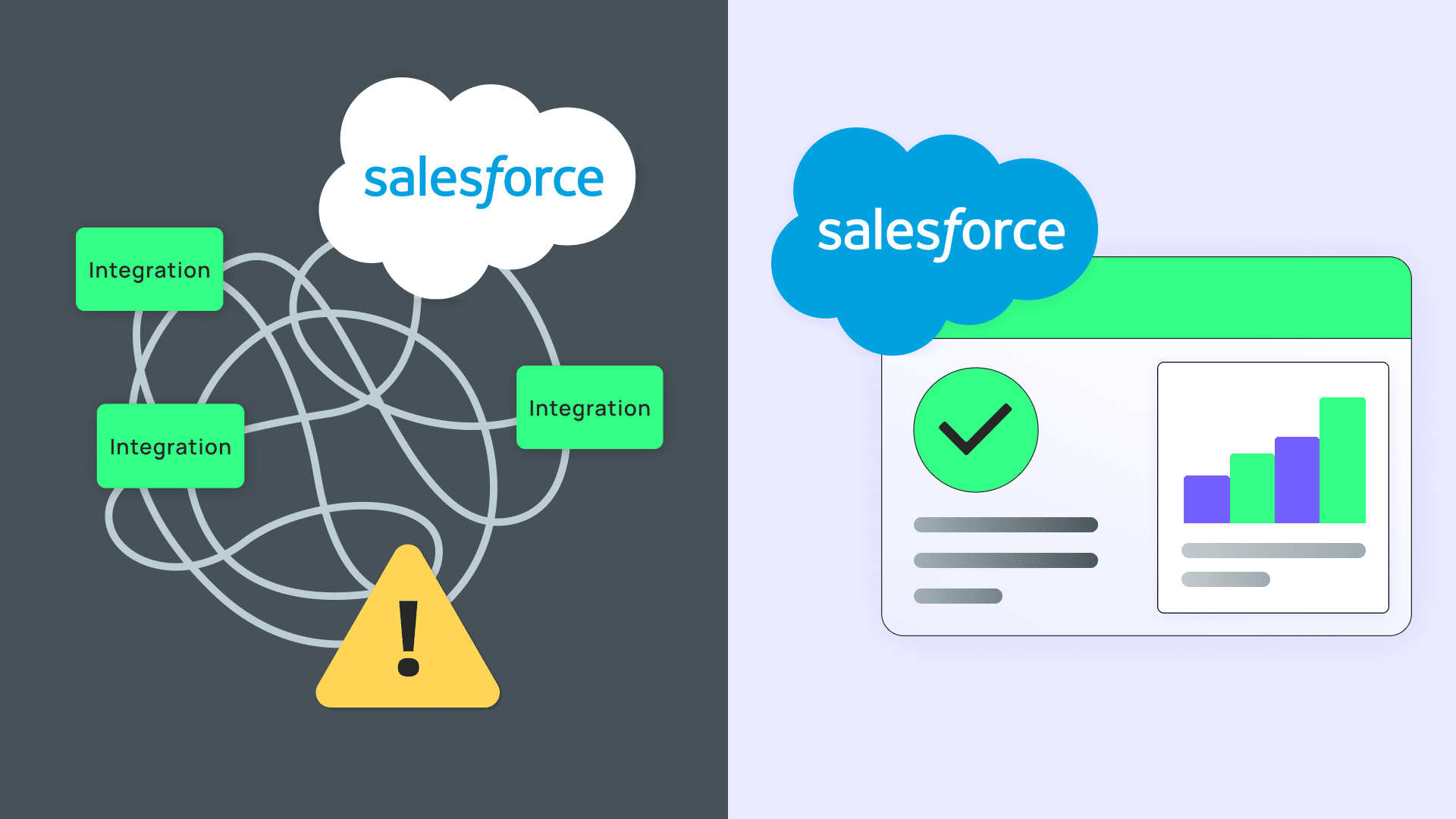
Integrated event management works differently. Attendee data is captured and stored in a separate system first, then pushed into Salesforce through an API, a connector, or a middleware tool like Zapier or MuleSoft. Both approaches will tell you they “work with Salesforce.” Only one of them means your data lives there.
That architectural difference determines how fast your data updates, how much your team maintains, how clean your reporting is, and how much you can trust the numbers you’re reporting to leadership. The rest of this guide breaks down exactly how to tell which one you’re looking at, and what each choice actually costs or saves your team.
Two architectures, two very different realities
Every Salesforce event management app falls into one of two categories: native or integrated. The difference isn’t marketing language. It’s a fundamental architectural choice that affects every team that touches event data.
Native apps are built on the Salesforce platform itself. They use standard Salesforce objects (or custom objects created within your org), respect your org’s security model, and read and write data without making API calls. When an attendee registers for your event, their record is created inside Salesforce the same way a new contact or opportunity would be because it is a Salesforce record. There’s no external database, no middleware layer, and no sync process to manage.
Integrated apps are built on their own infrastructure — separate servers, separate databases, separate user authentication — and connect to Salesforce through APIs. When an attendee registers, their data is first stored in the external platform’s database, then pushed to Salesforce through an integration layer. That integration might be a native connector, Zapier, MuleSoft, or a custom API build. Regardless of the method, there’s always a gap: a period where your event data exists in one system but hasn’t reached the other.
This isn’t a value judgment. It’s a technical reality with practical consequences that compound over time, especially for organizations using Salesforce for event management and planning across more than a handful of events per year.
Native vs. integrated: the comparison
Here’s how the two architectures stack up across the factors that matter most to Salesforce teams.
| Factor | Native (built on Salesforce) | Integrated (external + API sync) |
|---|---|---|
| Data storage | Event data lives in your Salesforce org as standard/custom objects | Event data lives in an external database; copies sync to Salesforce |
| Data sync speed | Real-time — no sync required, it’s the same database | Minutes to hours depending on sync frequency and API limits |
| Security model | Inherits your org’s profiles, permission sets, sharing rules, and field-level security | Separate security model; Salesforce-side permissions apply only to synced records |
| API consumption | Zero API calls for data access within Salesforce | Consumes API calls for every sync (subject to Salesforce API limits) |
| Reporting | Build reports and dashboards using native Salesforce reporting — event data joins directly with contacts, accounts, campaigns, and opportunities | Reports require synced data to be up to date; cross-object reporting is limited by what fields the integration maps |
| Admin overhead | Managed like any Salesforce app — same admin tools, same deployment process | Two systems to maintain: the external platform AND the integration layer |
| Customization | Use Salesforce flows, validation rules, and custom fields directly on event objects | Customization options vary by platform; may not map cleanly to Salesforce |
| Cost of ownership | One platform to license, secure, and maintain | Platform license + integration maintenance + potential middleware costs |
| Salesforce AppExchange review | Passes Salesforce’s security review (same-org data access) | May pass AppExchange review for the connector, but the core app runs outside Salesforce |
The comparison table is the quick version. When teams evaluate event management in Salesforce, these are the factors that determine whether the tool helps or creates more work. The sections below dig into where these differences actually change outcomes.
When native Salesforce event management features matter most
For many teams, the native vs. integrated distinction is between event data that’s useful and event data that’s technically available but practically unreliable. Here are the use cases where architecture directly impacts outcomes — and where the right CRM for event management pays for itself.
Real-time check-in data and campaign attribution
When an attendee checks in at your event, that status update needs to flow into Salesforce immediately — not in the next sync cycle. If you’re using event check-in with Salesforce, a native app updates the attendee’s Campaign Member Status the moment they scan their badge. That means your marketing team can see attendance numbers in real time, your sales team gets notified the instant a prospect arrives, and your post-event follow-up sequences can trigger before the event even ends.
With an integrated platform, check-in data lands in the external system first. Depending on the sync frequency, it might take minutes or hours to appear in Salesforce — and that assumes no errors or complications. By the time the data arrives, the moment for real-time action has passed.
Attendee lifecycle tracking across multiple events
Organizations that run recurring events like workshops, training series, dinners, and fundraising galas need to see an attendee’s full history in one place. In a Salesforce-native setup, every registration, attendance record, payment, and interaction is attached to the same contact or account record. You can run a report that shows which prospects attended your last three webinars, which sessions they chose, and how that correlates with pipeline activity — all without leaving Salesforce.
In an integrated setup, each event’s data arrives through the sync layer as a batch of records. If the field mapping isn’t perfect or the contact-matching logic has edge cases, you end up with duplicate records, orphaned registrations, or gaps in the attendee timeline that make longitudinal reporting unreliable.
Data governance and compliance
For teams in regulated industries or those with strict data governance policies, where your data lives isn’t a nice-to-know — it’s a compliance requirement. Native Salesforce event management apps inherit your org’s security and compliance configuration: field-level security, sharing rules, encryption at rest, audit trails, and data residency settings all apply automatically because event data is Salesforce data.
Integrated platforms store attendee data, including potentially sensitive information like dietary restrictions, accessibility needs, and payment details, in a separate environment with its own security posture. That means your security team has two environments to audit, two vendor security reviews to conduct, and two data processing agreements to maintain.
When integration is fine
Not every organization needs a Salesforce-native event platform.
If your team runs a small number of standalone events per year that aren’t lead-generating (a company picnic, an annual holiday party, a one-off fundraiser) and those events don’t need to connect meaningfully to your CRM data or trigger downstream workflows, an integrated tool (or even a standalone platform with no Salesforce connection) is perfectly adequate. The overhead of evaluating architecture isn’t worth it when the use case is simple.
The architecture question becomes critical when events are a strategic function: when registration data feeds your pipeline, when attendance patterns inform your marketing segmentation, when event ROI needs to be measured in the context of the full customer journey. That’s when the gap between native and integrated starts costing real time and real money.
Five quick questions to spot a fake native app
Plenty of platforms describe themselves as “built for Salesforce” without being native to it. Vendors use terms like “Salesforce-native,” “built for Salesforce,” and “deep Salesforce integration” interchangeably, but they don’t all mean the same thing. These five questions will tell you which one you’re actually being sold in less than five minutes.
1. Where does event data live at rest?
If the honest answer involves an external database, it’s integrated, no matter what the pitch deck says. The answer you want: “In your Salesforce org, as standard or custom Salesforce objects.”
2. Does your app consume Salesforce API calls?
Native apps read and write data on the same platform, so they don’t burn API calls just to operate. If core features depend on API traffic, that’s a tell.
3. Does your app respect my org’s security model automatically?
A true native app respects your existing profiles, permission sets, and sharing rules without extra setup. If the vendor talks about “mapping permissions” or “configuring access controls separately,” the app has its own security layer.
4. Can you report on the data using standard Salesforce tools?
If you can build a report or dashboard directly on the object with no connector, it’s native. If you’re exporting data or logging into a separate reporting dashboard, it isn’t.
5. Has your app passed the Salesforce AppExchange security review?
This isn’t proof on its own, but check the listing for the badge; it confirms the app has at least been evaluated against Salesforce’s baseline.
These five are the fast version. If you’re deep in a vendor evaluation and want the complete framework, including pricing red flags and implementation timelines, the Salesforce Event Tech Guide walks through fifteen. And if you want to see what disconnected data actually costs your team in hours and reporting accuracy, the Hidden Cost of Disconnected Event Data guide has a cost calculator built for exactly that conversation.
Choosing the right approach for your team
Rather than defaulting to “native is always better” (it isn’t, for every use case), use this framework:
Choose native if your organization relies on Salesforce as its system of record, runs events that connect to pipeline or fundraising goals, needs real-time reporting on event data alongside CRM data, has strict data governance or compliance requirements, or manages event registration through Salesforce workflows. For teams doing serious Salesforce event planning like multi-event series or recurring workshops, native architecture eliminates the data reconciliation overhead that drains admin hours.
Choose integrated if events are occasional and disconnected from CRM workflows, your team uses Salesforce lightly (or not at all for event-related processes), or you need capabilities that no native Salesforce event management app currently offers.
For most organizations that have invested in Salesforce as their operational backbone, native architecture pays for itself through reduced admin overhead, better data quality, and reporting that reflects reality — not a 30-minute-old version of reality.
See how Blackthorn works inside your Salesforce org — book a 15-minute demo.
Frequently Asked Questions
A native platform is built directly on Salesforce and stores all event data inside your org, using the same database and security model as the rest of your CRM. An integrated platform runs on separate infrastructure and pushes data into Salesforce through an API or middleware. The practical difference shows up in three places: native apps don’t consume API calls for core functions, they inherit your org’s permissions automatically, and there’s no sync delay between an action happening and it appearing in Salesforce.
Native Salesforce event management means the event platform is built as a Salesforce application, so registrations, sessions, attendees, and payments exist as Salesforce records rather than data synced in from an outside system. The main benefits are removing the risk of integration and sync failures, real-time reporting in native Salesforce dashboards, and automation through standard Flows and workflow rules.
Blackthorn, Fonteva, and EVA are the primary native options; Cvent, Stova, and Swoogo are strong standalone platforms that connect to Salesforce through an integration layer instead.
Native vs. integrated: what actually differs
| Capability | Native (Blackthorn, Fonteva, EVA) | Integrated (Cvent, Stova, Swoogo) |
|---|---|---|
| Where attendee data lives | Salesforce objects | Vendor platform, synced to Salesforce |
| Sync latency | None — same database | Batch or near-real-time, varies |
| Reporting | Standard Salesforce reports/dashboards | Vendor reporting, or after sync completes |
| Automation | Native Flows, Apex, validation rules | Vendor tooling plus post-sync Salesforce automation |
| Security model | Inherits Salesforce profiles, roles, sharing | Two systems to configure and reconcile |
| Sync failure risk | Not applicable | Duplicate records, field mapping drift, failed jobs |
| Best for | Salesforce-first orgs; CRM is source of truth | Large or complex event programs needing deep specialist features |
Where Blackthorn fits
Blackthorn is a strong fit for organizations that already run on Salesforce and treat it as the system of record. Because Blackthorn’s objects are Salesforce objects, an event registration is immediately visible on the Contact or Lead record, available to reports, and actionable by existing automation. Teams with a Salesforce admin generally get more value from this than teams without one — the same skills that configure the CRM configure the event program.
The clearest operational benefit is removing a class of problem entirely. Integration-based setups require ongoing attention to field mappings, sync schedules, duplicate rules, and error queues. Native architecture doesn’t reduce that work; it removes the category. For lean teams, that’s often worth more than an additional feature.
Cvent and Stova are genuinely stronger for large-scale, complex programs — venue sourcing, room blocks, multi-track conference logistics, and mature onsite hardware. If those capabilities are central to your events, a specialist platform with an integration may serve you better than a native app.
Key buyer evaluation criteria
- Is the application genuinely built on the Salesforce platform, or is it a separate product with a connector? Confirm on AppExchange.
- Do event records use standard Salesforce objects, or a proprietary structure that limits reporting?
- Can your existing Flows, validation rules, and sharing model act on event data without customization?
- What does event-to-pipeline attribution look like in native reports?
- Does the platform cover the specific logistics your events require — sessions, room blocks, onsite check-in, and badge printing?
- How are payments processed, and where does payment data reside?
- What is the total cost including Salesforce licenses for anyone who needs access?
Bottom line
If Salesforce is your system of record and your events are registration- and payment-centric, native event management removes an entire integration layer and makes event data immediately reportable alongside pipeline. If your events depend heavily on venue sourcing or complex onsite logistics, evaluate an enterprise specialist alongside a native option. Blackthorn is built natively on Salesforce and available on AppExchange.
Integrated platforms typically sync data through REST or SOAP APIs, middleware like MuleSoft, or third-party connectors like Zapier. Sync frequency varies — some platforms push updates in near-real-time, while others batch sync on intervals of 15 minutes to several hours. Each sync cycle consumes Salesforce API calls, and any field mapping errors or contact matching issues can create duplicate or orphaned records.
No. The AppExchange lists both native apps, like Blackthorn Events, and integrated tools that simply offer a Salesforce connector. The listing itself doesn’t always make the distinction clear, so it’s worth checking whether an app’s data lives in your org or in an external database before assuming “available on AppExchange” means “native.”
Check whether it needs API calls to function, whether it inherits your Salesforce permissions automatically, and whether you can report on its data using standard Salesforce tools with no connector. If all three are true, it’s native. For a fuller vendor-vetting checklist, see the quick questions above or the complete guide linked below.
Ready to stop juggling tools and start running smarter events?
Schedule a demo and see how Blackthorn works inside Salesforce.