
Design. Customize. Publish.
Blackthorn Page Designer
Build polished, on-brand event registration pages with a drag-and-drop editor. Every component connects directly to your Salesforce data. Customize, preview, and publish — without leaving Blackthorn.

Your event page is where attendees decide whether to register.
A page that looks generic. A page that doesn’t match your brand. A page that took your designer two weeks to build, or one that lives in a completely separate tool with no connection to your event data. Each one is a reason someone clicks away before signing up.
You shouldn’t have to choose between a page that looks good and a page that’s connected to Salesforce. That tradeoff is over.

Page Designer: full control over your attendee experience.
Page Designer is a drag-and-drop event page builder native to Blackthorn. Start from a professionally designed template. Customize every part of the page: layout, branding, components, content. When you’re ready, publish — and your registration data flows directly into Salesforce, exactly as it always has.
No separate design tool. No disconnected form. No exports. A polished event page that works the way your team does.

Everything you need to build a high-impact page.
A strong start, not a ceiling
Start from a professionally designed template built for your event type. Every template is fully customizable — swap components, change layouts, update branding. The template is a starting point, not a constraint.

Build it the way you want it
Arrange sections, reorder components, and control the full page structure with drag-and-drop. Add a sponsor tier section. Move the ticket selector above the fold. Put your speaker grid front and center. The page reflects your event, not a fixed template decision.

Set it once, apply it everywhere
Set your brand colors, fonts, and spacing once in the global theming panel. Every component updates automatically. Every page your team publishes looks like it came from the same organization — without anyone manually styling each element.
The right content blocks, ready to use
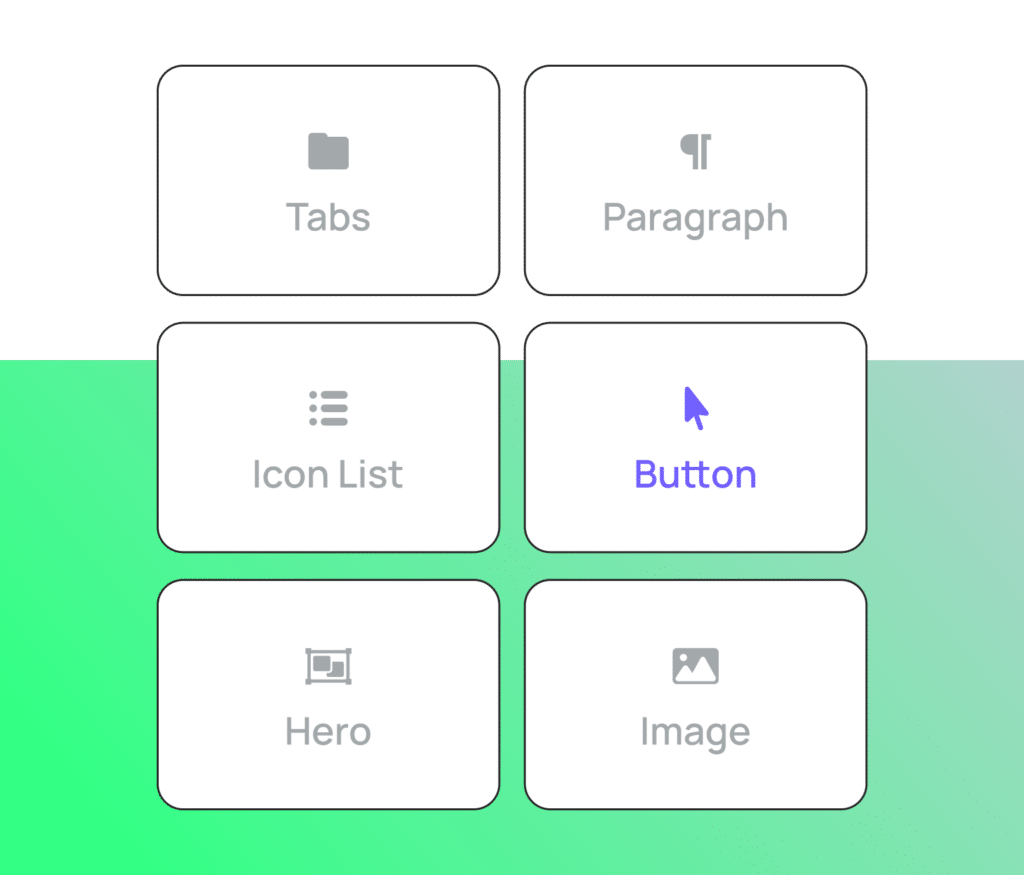
Speaker grids, session schedules, ticket selectors, FAQ accordions, sponsor tiers, countdown timers, video embeds. Event data components pull from your live Salesforce data. Drop them in and they're already populated.
See exactly what attendees will see
Toggle between desktop, tablet, and mobile views before you publish. Every template is responsive. No guessing how it renders on a phone.

On your schedule, per event
Page Designer introduces Flex, a new opt-in page layout experience. Existing templates remain unchanged. Enable Flex on new events, test changes in isolation, and publish when your team is ready — without affecting any live pages.

Frequently Asked Questions
No. Page Designer introduces a new experience called Flex, which is opt-in per event. Your current event pages and templates remain exactly as they are. You choose which events use Flex and when — there’s no forced migration.
No. Page Designer is a drag-and-drop editor built for event planners, not designers or developers. You can build a polished, on-brand page without writing a single line of code.
Yes. You set your brand colors, fonts, and spacing once in the global theming panel, and they apply across every component on the page automatically. Every page your team publishes will be consistent with your brand.
Directly into Salesforce. Page Designer is natively connected to Blackthorn Events — there’s no integration, no sync, and no middleware. Registration data flows into Salesforce the same way it always has.
Yes. You can export a page design as JSON and import it for future events. Build a structure you’re happy with once, and reuse it without starting from scratch every time.
Page Designer is part of the Blackthorn platform. Reach out to your account team for details on availability with your current plan.
Your next event page should look as good as the event itself.
Page Designer is available now as part of the Blackthorn platform. See what your registration experience can look like.